
Tech & Systems
Cybersecurity for Small Business: A Practical Guide (That Doesn’t Require an IT Degree)
Moving your business to the cloud is brilliant—it makes working from anywhere a breeze. But here is the not-so-fun part: cybercriminals love the cloud too. If you think your business is “too small” for hackers to care about, it is time for a rethink. Small businesses are actually prime targets because we rarely have the budget of a giant corporation or a dedicated IT department standing guard. A data breach or ransomware attack can come with staggering recovery costs. But do not panic. Protecting your business isn’t about becoming a tech genius; it is about doing a few basic things incredibly well.
The short of it…
Good cybersecurity doesn’t mean building an impenetrable fortress. It means making your business annoying enough to hack that criminals move on to an easier target. You need to focus on four things:
- Locking the front door (Authentication)
- Having a safety net (Backups)
- Fixing the cracks (Software updates)
- Training the humans (Your team)
You do not need a massive IT budget. You just need a little discipline.
First Things First: They Don’t Hack In, They Log In
If you picture a cyberattack as a guy in a dark hoodie furiously typing green code to break through your firewall, you have watched too many movies.
Most cybercrime is shockingly boring.
Hackers use automated software to scour the internet for easy targets. They send out millions of fake emails hoping one of your team members clicks a bad link and types in their password. Once they have a password, they simply log into your cloud systems (like your email, Google Drive, or Xero) just like you do.
And in those first few hours, they are usually trying to do one of two things:
Steal your data to sell, or lock your files and demand a ransom (Ransomware).
Your security plan should be all about making it ridiculously hard for them to get that password, and minimizing the damage if they do.
Top Banana Tip: Treat your business data like your physical storefront. You wouldn’t leave the cash register open and the front door unlocked overnight just because you “don’t think anyone will walk in.”
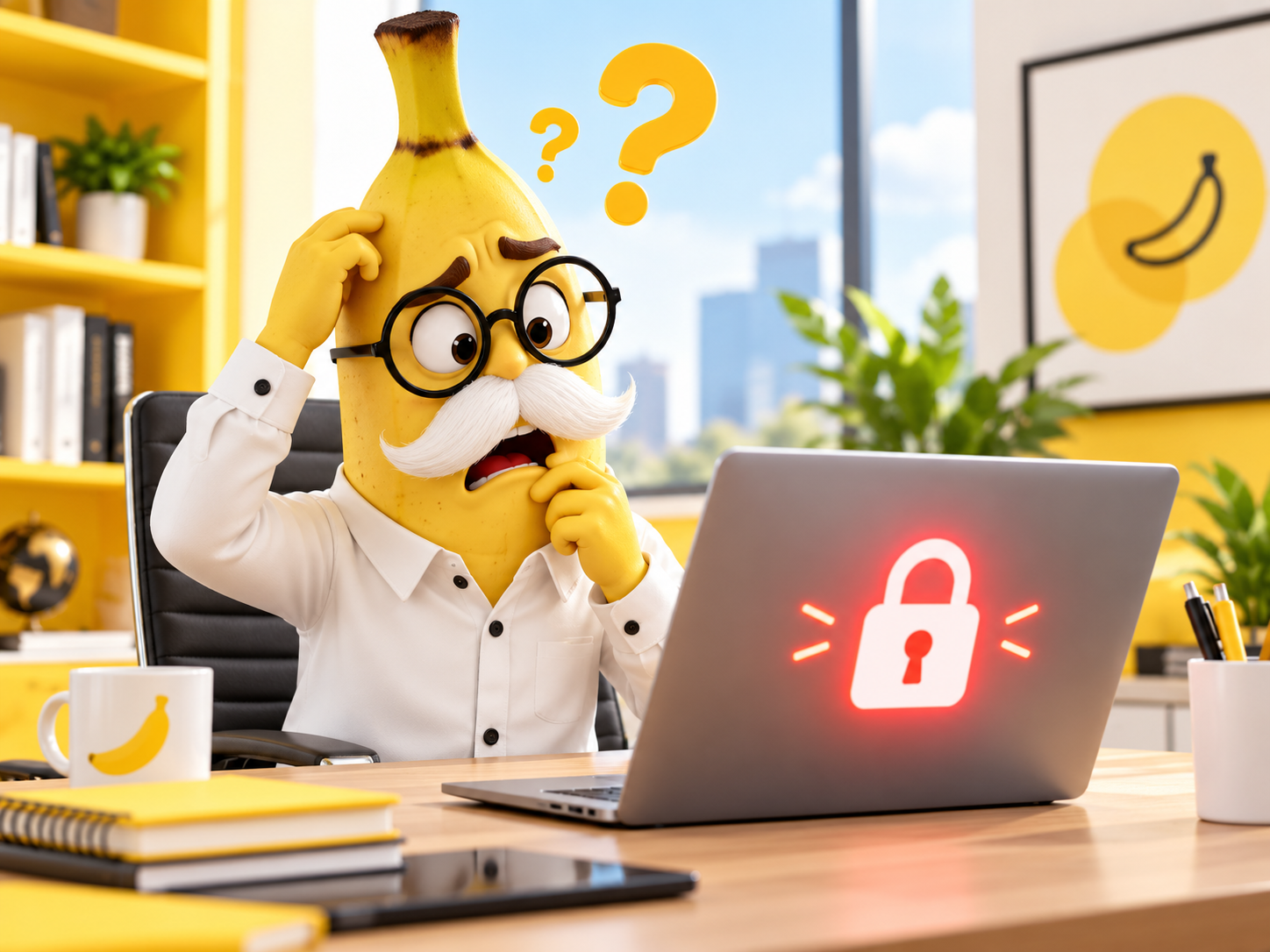
Meet Professor Bananas, our very real-looking but entirely fictitious small business owner. He used to use “Banana123” as his password for everything. We will use his journey to show you how to lock things down.
1. Admit That You Are a Target
“But my business is tiny! Why would they care?”
Because criminals are lazy. They are not specifically targeting your boutique agency or your local cafe. They are casting a massive net to see who left their digital windows open.
A hacker knows that a large bank has millions of dollars to spend on security. They also know that a small business owner is probably juggling 50 things at once and hasn’t changed their email password since 2019.
You are a target because you are low-hanging fruit. Acknowledge the risk, and you are already halfway to fixing it.
2. Turn On Multi-Factor Authentication (MFA)
This is the single most important thing in this entire article.
Multi-Factor Authentication (or Two-Factor Authentication / 2FA) is that slightly annoying extra step where you have to enter a code from your phone after typing your password.
Yes, it takes an extra five seconds.
Yes, it is totally worth it.
If Professor Bananas has his password stolen, the hacker still can’t get into his account because they don’t have his physical phone to get the 6-digit code.
Where should I turn this on?
Everywhere. But absolutely non-negotiable for:
- Your email accounts (Google Workspace, Office 365)
- Your accounting software (Xero, MYOB, QuickBooks)
- Your social media accounts (Facebook Business Manager, Instagram, LinkedIn)
- Your website backend (WordPress, Shopify)
Top Banana Tip: Stop sharing generic logins like “admin@mybusiness.com” amongst the team. Give everyone their own login. It makes MFA easier and lets you cut off access immediately if someone leaves the business.
3. Back Up Your Data (And Actually Test It)
Ransomware only works if you have no other way to get your files back.
Ransomware is when a hacker gets into your system, encrypts all your files so you can’t open them, and demands thousands of dollars for the key to unlock them.
The recovery cost for this is staggering. Unless… you have a backup.
If you have a secure, separate backup of your data, you simply ignore the hacker’s demand, wipe your computers, and restore your files.
Wait, doesn’t the Cloud back things up automatically?
Not necessarily! If someone hacks your Google Drive and deletes everything, Google will sync those deletions perfectly across all your devices.
You need a true backup system. If you use cloud storage, look into a third-party cloud backup tool (like Rewind or Spanning) that takes a “snapshot” of your cloud data every day and stores it securely somewhere else.
4. Stop Ignoring Software Updates
That “Update Now” pop-up is not there just to annoy you.
Software companies regularly discover security holes in their programs. When they do, they release an update to patch the hole.
If you keep clicking “Remind Me Tomorrow” for six months, you are leaving a known security hole wide open for hackers to walk through.
Turn on Automatic Updates for:
- Your computer’s operating system (Windows or macOS)
- Your phone
- Your web browser (Chrome, Safari, Edge)
- All the apps you use daily
5. Train Your Team to Spot a Scam
Your security is only as strong as your most trusting employee.
Hackers are getting brilliant at sending fake emails (phishing) that look exactly like they are from Australia Post, the ATO, or even from you (the boss).
Make it a rule in your business:
- Never click links in unexpected emails. If Netflix says your account is suspended, don’t click the link. Open your browser and go to netflix.com directly.
- Verify unusual requests. If an employee gets an email from “you” asking them to quickly buy $500 in Apple gift cards for a client presentation, they must text or call you to check first. (This is a wildly common scam).
- Make it safe to speak up. If someone accidentally clicks a bad link, they need to feel safe telling you immediately so you can fix it, rather than hiding it out of fear of getting fired.
6. Have a “What If” Plan
Do not wait until your screen goes black to figure out who to call.
If the worst happens and your business is breached, the panic will be real. You need a simple one-page plan printed out (because your computer might be locked!) that answers:
- Who is our IT support person/company, and what is their phone number?
- Who is our insurance provider, and what is our cyber insurance policy number?
- How do we contact our team if our email is down?
- How do we securely reset our main passwords?
Top Banana Tip: Check your business insurance policy. Many modern policies offer a cyber insurance add-on. Given the staggering recovery costs of a breach, this small premium bump is usually a no-brainer.
Your 30-Minute Security Sweep
Grab a coffee, set a timer, and tick these off today:
- ✓ 5 mins: Turn on Multi-Factor Authentication (MFA) for your main work email.
- ✓ 5 mins: Turn on MFA for your accounting software (Xero/MYOB).
- ✓ 5 mins: Check your computer settings and turn on “Automatic Updates.”
- ✓ 5 mins: Ask your team to update their passwords to something longer than 12 characters. (Tip: Use a passphrase like “PurpleMonkeyDishwasher2026!”).
- ✓ 5 mins: Send a quick message to your team reminding them never to buy gift cards on your behalf via email.
- ✓ 5 mins: Email your insurance broker and ask, “Are we covered for cyberattacks?”
Total: 30 minutes.
You are now vastly more secure than a huge chunk of small businesses out there.
Frequently Asked Questions
Do I need to hire an expensive IT agency?
If you are a solo operator or a micro-business using Google Workspace and a few web apps, you can manage the basics yourself by enforcing MFA and using strong passwords. As you grow, hire staff, and handle sensitive customer data, paying a managed IT provider to oversee your security is a smart investment.
Are Macs immune to viruses and hacking?
No! This is a dangerous myth. While Mac operating systems used to be targeted less often than Windows, hackers now actively write malware for Apple devices. Furthermore, if a hacker steals your password via a phishing email, it doesn’t matter if you log in from a Mac, a PC, or a smart fridge—they still get into your cloud accounts.
What is a password manager, and should I use one?
Yes. Tools like 1Password or Dashlane are brilliant. They generate complex, impossible-to-guess passwords for every single website you use and store them securely. You only have to remember one master password.
Can I use a free antivirus?
Free is better than nothing, but it’s often not enough for a business. Paid security software (like Bitdefender or Webroot) offers much better protection against modern threats like ransomware. It’s a small annual business expense that pays off the moment it stops a dodgy download.
Final Thoughts
Taking small business cybersecurity seriously does not mean you have to become paranoid or tech-obsessed.
It simply means acknowledging the reality of doing business in the digital age.
Lock the doors.
Back up your hard work.
Keep an eye out for scams.
By putting just a few basic hurdles in place, you force cybercriminals to give up and look for someone else.
Protect the business you have worked so hard to build, and then get back to doing what you do best.